


| |
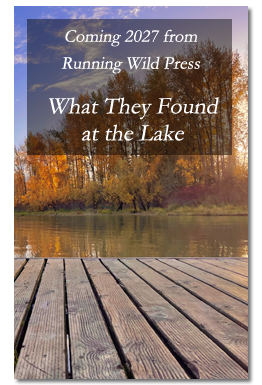
"What They Found at the Lake” explores the invisibility of the unhoused, the quiet devastations of late-life reinvention, and the fierce loyalty of decades-long friendship. Something far richer than a mere crime story—it’s a compelling meditation on who gets seen, who gets saved, and who decides. Compelling, humane, and impossible to put down. This is a novel that lingers long after the final page."
Warren Read, author of One Simple Thing and the upcoming The Light Between the Pines
| |
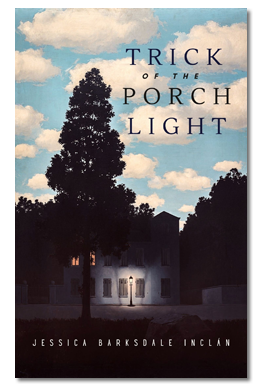

Through the tapestry of these diverse stories, readers are invited to witness the transformative power of adversity. Whether it's a chilling encounter with the unknown or the poignant exploration of human connections, each story reveals the profound growth that can emerge from facing the unexpected. Jessica Barksdale Inclán masterfully weaves themes that resonate deeply with the human experience. This collection urges us to embrace the challenges that come our way and discover the hidden truths that lie within and to explore the complexities of difficult conversations often swept under the rug. Characters are forced to confront their vulnerabilities and issues head-on. In the process, they grapple with fears, doubts, and regrets, ultimately reconciling with the truths they uncover.
| |
"Instant dreams drawing you in from their first (fresh, crisp) sentences, Jessica Barksdale Inclán's stories hold you: smart, wry, funny, tender, shocking. They sideswipe and seduce; their sparkling range startles and provokes. You may recognize many of their people and predicaments, warm and pulsingly real, wildly imagined yet utterly grounded. Shot through with wise compassion, Trick of the Porch Light casts a reverberant spell."
| Joan Frank, author of Juniper Street and Late Work |
| |
| |
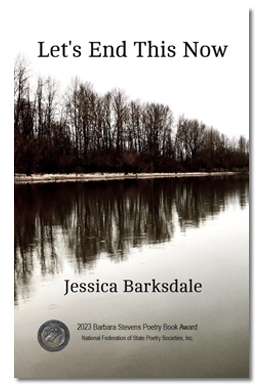
"Let’s End This Now is a courageous, haunted, bracingly honest book. In these stylistically spare and emotionally unsparing poems, a woman confronts the hard truths of her own life. She will not look away from her complicated experiences as a sister and daughter, a wife and mother, and states things, often against herself, that others would not say. The result is an unremitting, utterly trustworthy, and unforgettable testament."
| Edward Hirsch, judge, author of The Heart of American Poetry |
| |
| |
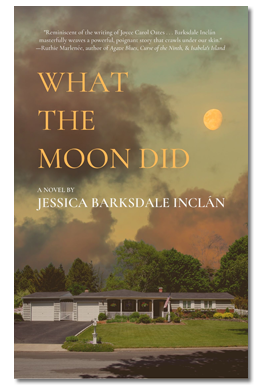
"What the Moon Did is a masterful telling of a family’s hidden tragedy and the unhealed wounds that long ripple throughout their lives. Inclán reveals each character's journey with clear-eyed wisdom and empathy, weaving a powerfully real and intimate drama that haunted me after I finished the last page."
| Lynn Sheene, author of The Last Time I Saw Paris |
| |